The AI Note Taking App Ops Teams Actually Need
Most AI note taking apps are built for meetings, not gemba walks or shift handoffs. Here is what ops teams should look for, and what to do next.
What to look for in an AI note taking app for ops teams
Six checks that separate a meeting-note app from one that survives a shift on the floor.
Hands-free capture
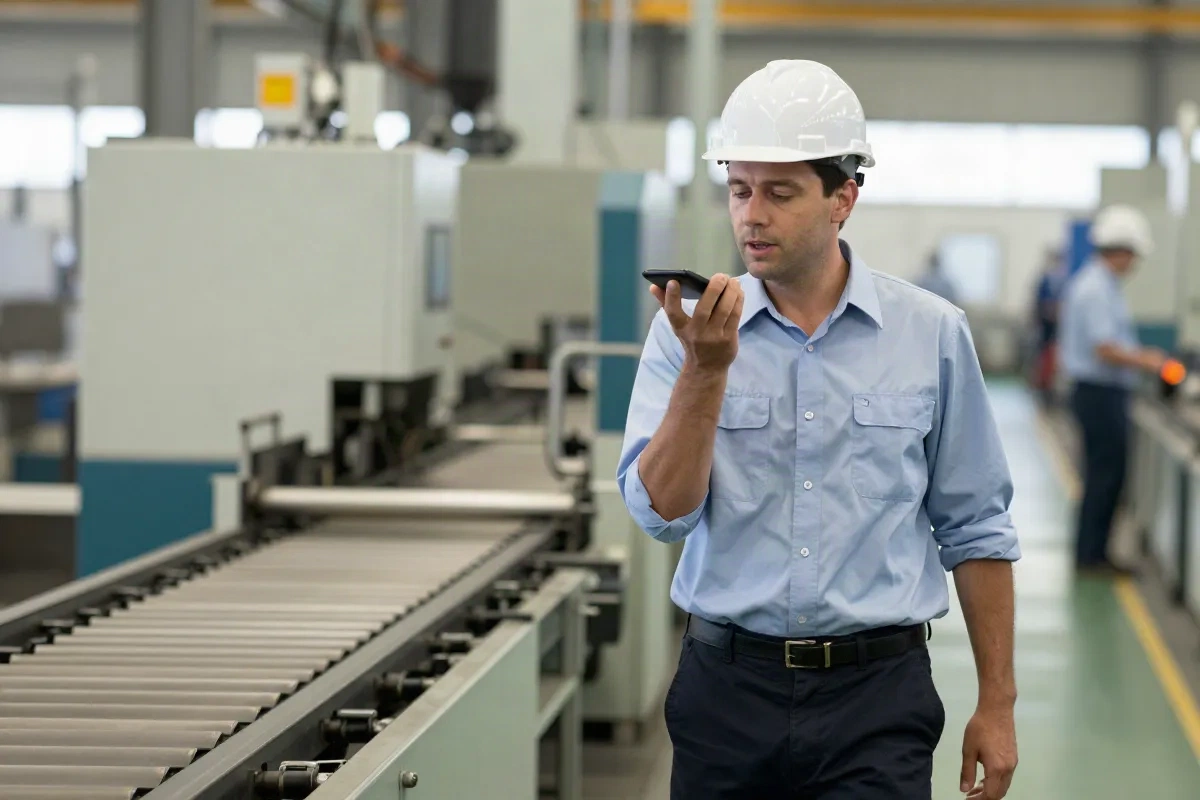
Speak notes during a gemba walk or shift handoff instead of stopping to type. The app should turn speech into text without slowing down the walk.
Tags, not one long feed
Notes sorted by line, shift, or work order stay findable weeks later. A single scrolling transcript is not a system you can search on a bad day.
Works with a weak signal
Shop floors and warehouses do not always have solid wifi. Offline capture that syncs later beats an app that stalls mid-recording.
Handles shop floor language
Line jargon, part numbers, and mixed-language shifts should transcribe cleanly, not turn into guesses the app fills in on its own.
Data stays yours
Production numbers and quality issues are sensitive. Check where recordings are stored and who can export them before rolling it out to a shift.
Exports clean data
A note trapped in one app helps nobody twice. Export to a spreadsheet, or feed it straight into a calculator that turns it into a verdict.
How ops teams turn a note into a fix
Four steps between hitting record and knowing where the line is losing throughput.
-
1
Hit record before you walk
Start capturing at the top of the gemba walk, shift handoff, or kaizen debrief. No extra hardware, no pause to open a notebook.
-
2
Tag it while it is fresh
Label the note by line, shift, or work order right after capture. A tagged note is a system. An untagged one is a pile.
-
3
Pull the numbers out
Cycle times, downtime minutes, and defect counts get lost fast once the next shift's report lands on top. Pull them out first.
-
4
Run the verdict
Paste the numbers into an OEE or bottleneck calculator and get a plain-language read on where capacity is actually leaking.
Stop losing what the outgoing shift knew
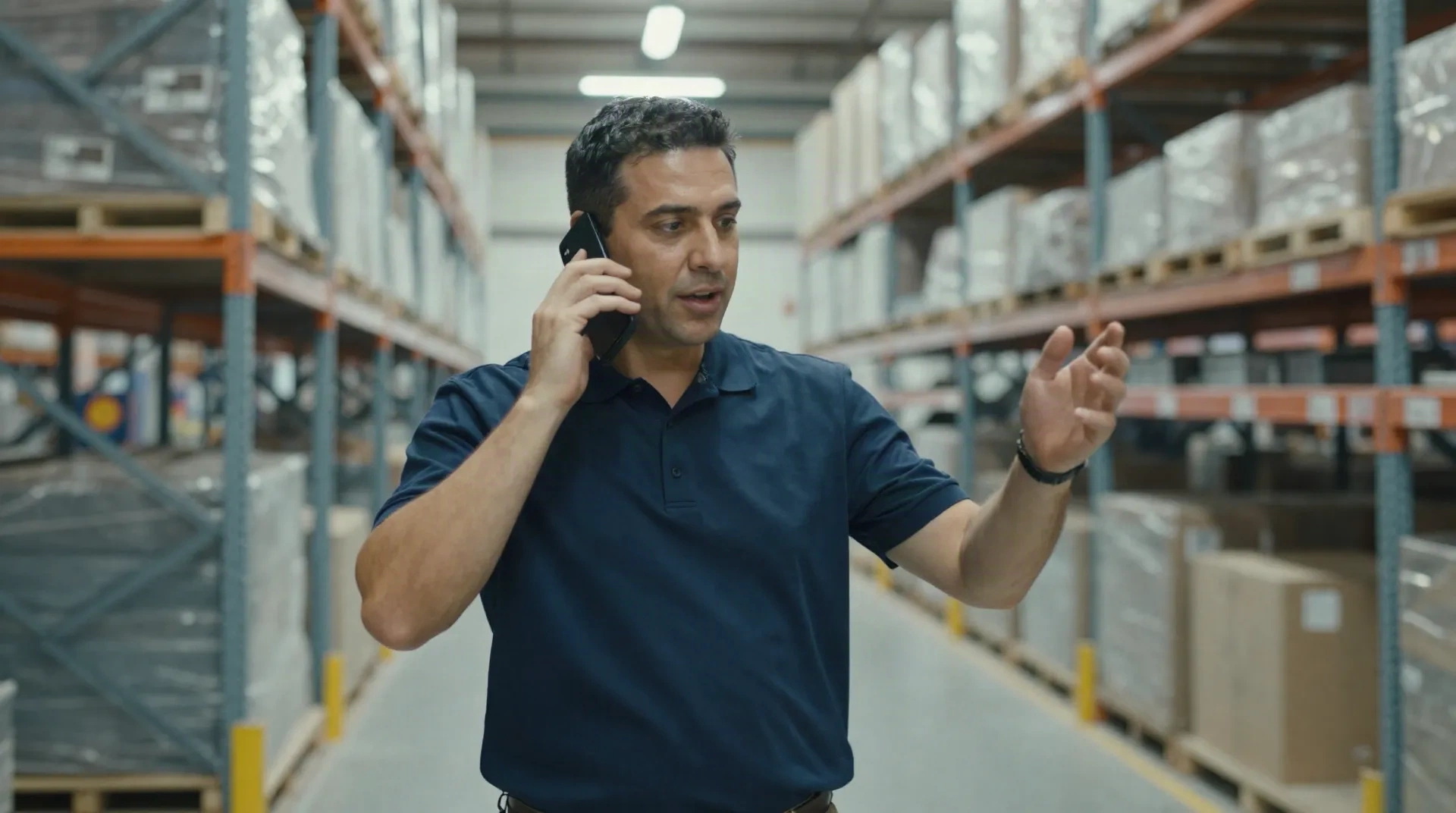
A verbal handoff fades fast. By the second half of the next shift, the details about why line 3 kept stalling are already gone, and the new supervisor is troubleshooting from scratch. An AI note taking app that captures the handoff as it happens, then tags it by line and shift, keeps that context searchable instead of dependent on someone's memory at 6 a.m.
- Voice capture during the handoff itself, not a recap after
- Searchable by line, shift, or work order
- Multi-language transcription for mixed shifts
Turn a walk of the line into a report, not a memory
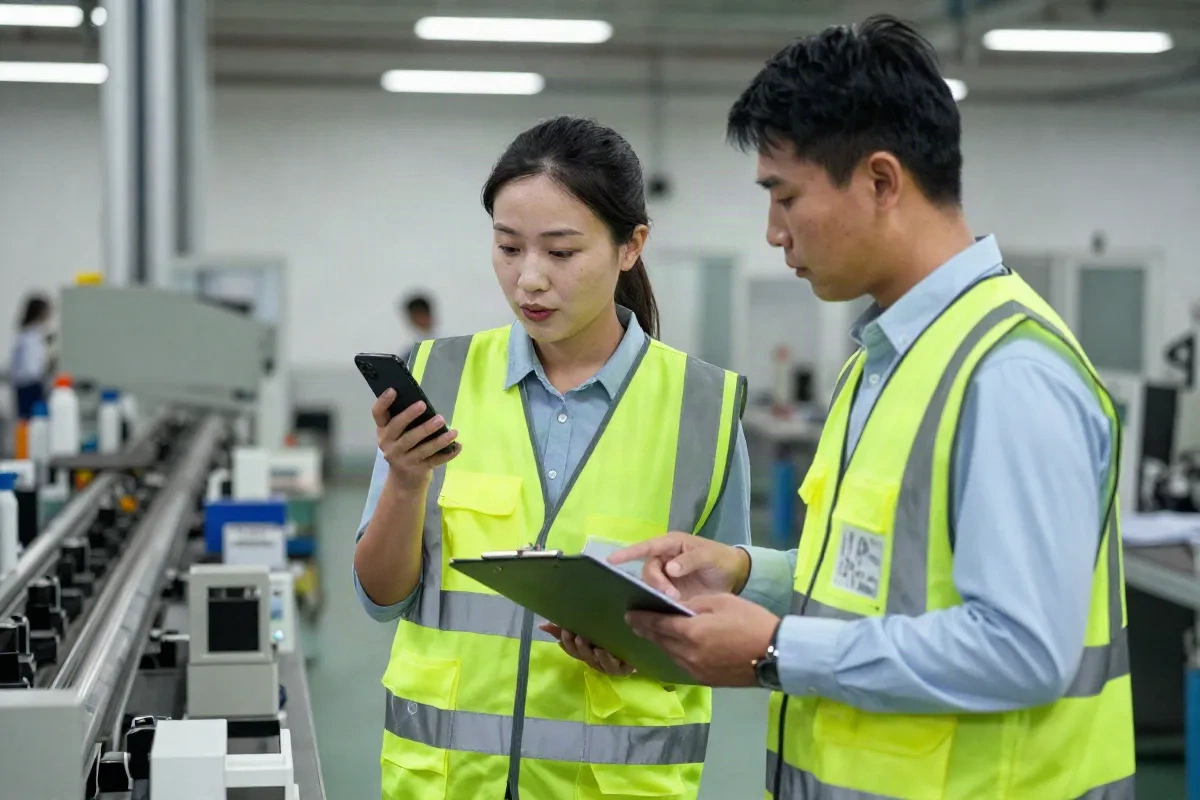
A gemba walk, a structured walk of the actual work area rather than a meeting room, generates a dozen small observations: a station running slow, a queue building at the same spot every shift, a defect pattern nobody flagged yet. Written down late, half of them do not survive the walk back to the office. Captured as voice notes and tagged on the spot, they turn into a structured list you can act on, then run through a calculator for the verdict.
- Capture observations as they happen, not from memory afterward
- Structure notes by station or defect type
- Feed the numbers straight into an OEE or bottleneck read
A meeting-note app and an ops note-taking workflow are not the same thing
Same category of tool, different job. Here is where they split.
| Capability | Generic AI note app | Ops-ready note workflow |
|---|---|---|
| Capture method | Typed notes after the fact, or a bot that joins a video call | Voice or quick tags captured live during the walk or handoff |
| Organization | One long chronological feed of every note | Notes tagged by line, shift, or work order |
| Output | A plain summary of what was said | Structured numbers: cycle time, downtime, defect counts |
| Next step | Copy and paste into a document | Fed straight into an OEE or bottleneck calculator |
Common questions
What should an AI note taking app do for shift handoffs and gemba walks?
Is a general AI note taking app enough for an operations team?
Can an AI note taking app work without a strong wifi signal?
How do I turn shop floor notes into an OEE or bottleneck report?
Is production data safe in a cloud-based note taking app?
What is the difference between an AI note taking app and an AI transcription app?
How much should a small ops team expect to pay for an AI note taking app?
Can AI note taking apps handle technical jargon and multiple languages on the same shift?
Turn your notes into a bottleneck verdict
Capture the walk. Tag the shift. Then run the numbers through a calculator built for the formula, not a generic summary.