The AI Agent Builder For Content Ops
Skywork packs seven specialized AI agents, images, slides, documents, and more, into one workspace so ops teams ship reports without a design queue.

One workspace, seven specialized agents
Each agent handles one output format. Pick the one you need, or chain a few together for a bigger deliverable.
Research-backed slide decks
Turn a kaizen readout or OEE trend into a stakeholder deck with sources pulled from Google Scholar and Wikipedia, not a generic template.
SOP diagrams without a designer
Generate training visuals and process diagrams for a line changeover, then edit individual layers the way you would in Photoshop.
Auto-drafted process reports
Summarize a week of throughput or defect data into a written report your plant manager will actually read.
Internal microsites in minutes
Spin up a lightweight page for a safety campaign or onboarding checklist without waiting on a web team.
Shift-change training videos
Turn a written SOP into a short explainer video the night shift can watch before clocking in.
Knowledge-share podcasts
Convert recorded floor interviews into a podcast episode new hires can listen to on their commute.
Why teams are adding an AI agent layer
Design without a design queue
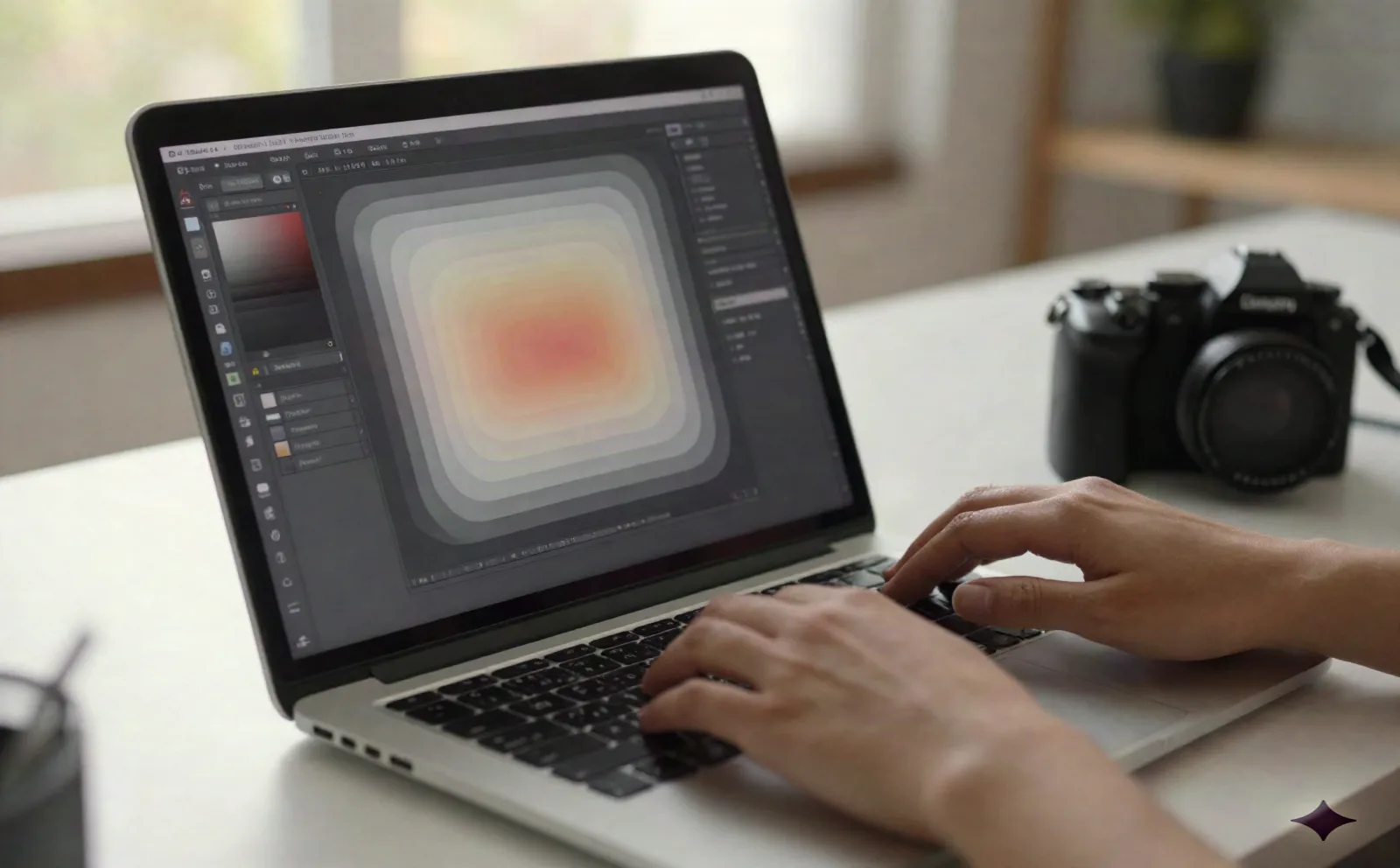
Ops teams rarely have an in-house designer for every training poster or SOP diagram. Skywork's Images agent generates the visual, and Layer Splitting keeps every element (background, icon, label) on its own editable layer. Swap a machine number or a safety color without regenerating the whole image.
- Layer-by-layer editing on AI-generated images
- Built on Nano Banana Pro for image quality
- No new software to learn for a one-off poster
Slides that cite real sources
A capacity-investment proposal is a hard sell without data behind it. Skywork's Slides agent has a Deep Research mode that pulls from Google Scholar and Wikipedia and builds a data-backed deck instead of a pretty template. Use Creative mode for the quick internal update, and Deep Research for the deck going to leadership.
- Deep Research mode cites real sources
- Creative mode for fast internal updates
- Exports straight to a shareable deck

Skywork vs. the multi-tool stack
What you get with one AI agent workspace versus stitching together separate design, slide, and research tools.
| Feature | Skywork | Canva + Gamma + Adobe stack |
|---|---|---|
| Image generation & editing | Included, with layer-level editing | Separate Canva or Adobe subscription |
| Research-backed slides | Deep Research mode cites sources | Manual, copy-pasted from your own research |
| Documents, websites, video, podcasts | All in one workspace | 4-5 separate tools and logins |
| Monthly cost for a small ops team | About $12-16/mo on the Pro plan | $60-150+/mo across tools |
| Learning curve | One interface to learn | One interface per tool |
Simple, usage-based pricing
Two tiers. No seat minimums on the free plan.
Free
For testing one agent on one project
- Limited generations across all 7 agents
- Access to Images, Slides, Documents, Websites, Videos, and Podcasts agents
- No credit card required
Pro
Starts around $12/mo on annual billing; monthly billing runs closer to $16/mo
- Higher generation limits across every agent
- Deep Research mode for slide decks
- Layer Splitting on image exports
- Annual pricing available
- Code BEYROUTI takes 20% off
Common questions about Skywork's AI agents
Is Skywork a true AI agent builder, or just a set of built-in agents?
What does Skywork actually cost?
Is my process data safe if I upload it?
How long does it take an ops team to get useful output?
Does it integrate with our existing docs and slide decks?
Can more than one person on the team use the same account?
How is this different from a general chatbot like ChatGPT?
Give Your Ops Team an Agent Layer
Start free, no credit card required. Upgrade only once you're generating content every week.