What Is a Workflow? A Plain-English Guide for Ops Teams
Summary
What is a workflow? It is the ordered set of steps, handoffs, and decisions that turns an input into an output, like an invoice moving from receipt to payment. Every workflow has one step that caps total output. Map the steps, put a capacity number on each, find the lowest one, and confirm it with the queue in front of it. Then decide whether to add capacity, cut waste, or reroute work.
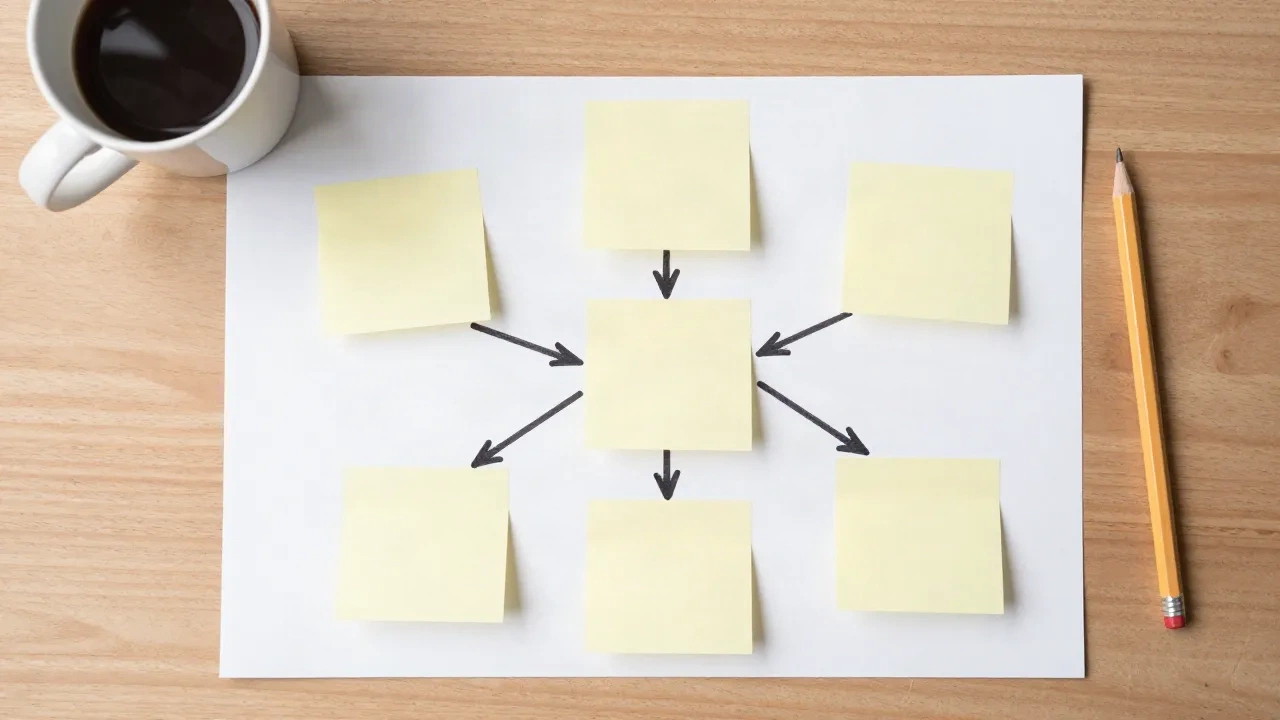
A workflow is the ordered set of steps that moves one piece of work from the moment it starts to the moment it is done, with a named owner or system at every step. Think of an invoice that arrives, gets matched to a purchase order, gets approved, and gets paid. That is a workflow. If you are asking what is a workflow because you inherited a messy one, the useful follow-up is not "how do I document it?" but "which step caps the whole thing?" The rest of this guide answers both.
What is a workflow, in one sentence you can reuse?
A workflow is a repeatable path of tasks, handoffs, and decisions that turns an input into an output. TechTarget breaks every workflow into three parts: an input (the trigger or materials), a transformation (the work done), and an output (the result that feeds the next step or closes the job).
That three-part frame is worth keeping on a sticky note. If you cannot name the input, the work, and the output of a step, the step is not defined yet. It is a habit.
Each part earns its place for a practical reason:
Input: what has to exist before the step can start (a signed order, a ticket, a raw part).
Transformation: what someone or something actually does (check, approve, assemble, route).
Output: what leaves the step and who receives it next.
Skip the output definition and you get the classic office failure: work "finished" at one desk that nobody downstream knows how to pick up.
Workflow vs process: is there a real difference?
People use the two words interchangeably, and in casual conversation that is fine. For ops work, a split helps. A process is the whole system of how a result gets produced, including policies, roles, tools, and metrics. A workflow is the specific path a single item takes through that system.
Here is a concrete case. A fulfillment center has an order-to-ship process. One order's workflow is: received, picked, packed, labeled, loaded. The process also contains rules about shift coverage, carrier cutoffs, and returns. Those rules shape the workflow, but they are not steps the order itself walks through.
Why does this matter? Because you measure workflows per item (how long did this order take?) and processes in aggregate (how many orders per hour does the site ship?). Mixing the two is how teams end up arguing about averages while one stuck order sits for three days.
Which types of workflow will you actually meet?
Three shapes cover most of what ops teams run into.
Sequential workflows. Step A, then B, then C. Loan approval and purchase-order matching work this way. Each step waits for the one before it, so a slow step delays everything behind it.
Rules-driven workflows. Still sequential, but the path forks depending on a condition. An expense under a set amount is auto-approved; above it, it goes to a manager. The branching is the point: you decide once, in writing, who sees what.
State-machine workflows. The item sits in a state (open, in review, blocked, done) and an event moves it to the next state. Support tickets and software pull requests behave like this. Nothing is strictly linear, because an item can bounce back from "in review" to "open."
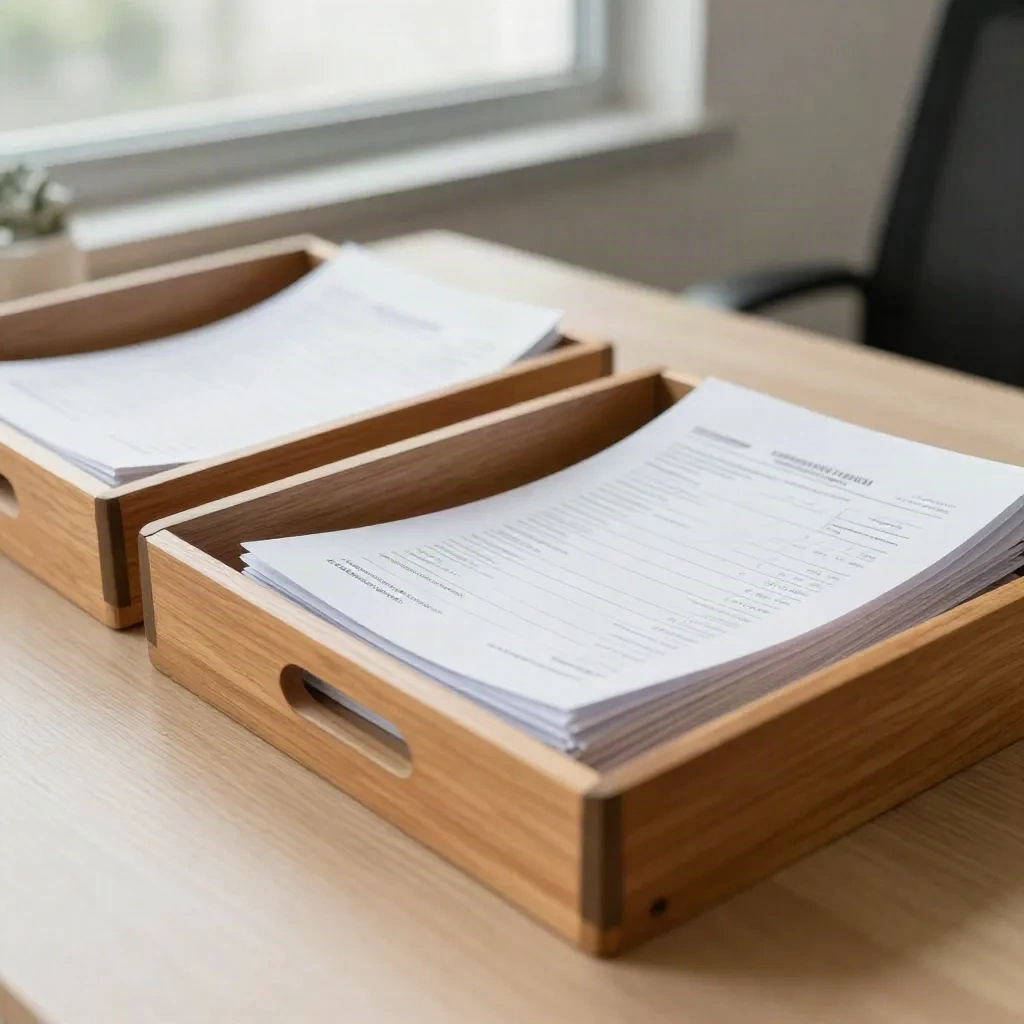
Most real operations mix all three. The invoice flow above is sequential until a mismatch appears, then it becomes a state machine ("disputed") with its own loop. Map the happy path first, then add the exceptions. Teams that try to draw every exception on day one never finish the map.
What does a good workflow look like on a real floor?
On the warehouse floor, a good workflow is boring. Orders show up, the next person knows what they are holding, and nobody asks "whose is this?" Here is the test: walk the path with a stopwatch and a marker, and write down where an item waits instead of moving.
Waiting is the tell. In most workflows, the clock time an item spends being worked is a small share of its total time in the system. The rest is queue: sitting in a tray, an inbox, a staging lane. A Process Cycle Efficiency (PCE, the share of total lead time spent on value-adding work) below 25 percent usually means there is waste to find before anyone buys more capacity.
Four traits separate a workflow that runs from one that merely exists:
One clear trigger. Work starts for a reason you can name, not because someone remembered.
One owner per step. Shared ownership is no ownership.
Defined "done." The output has a checkable condition, so the next step can start without a conversation.
A visible queue. You can see how many items wait at each step, today, without asking.
Where does a workflow break? Find the step that caps everything
Every workflow has one step that sets the pace for the whole line. That is the bottleneck (the step whose capacity limits the output of the whole line). Speed up any other step and total output does not move. Slow the bottleneck by ten percent and the whole workflow loses about ten percent.
Little's Law gives you the arithmetic. Define the variables first: WIP is the number of items in the workflow at one time, throughput is items completed per unit of time, cycle time is the average time one item spends from start to finish.
WIP = Throughput x Cycle TimeSay a support queue completes 40 tickets per day and the average ticket takes 3 days from open to close. Then WIP is 120 tickets in flight. If WIP climbs to 200 while throughput stays at 40, cycle time quietly stretches to 5 days. Nobody changed the work. The queue grew in front of a step that cannot keep up.
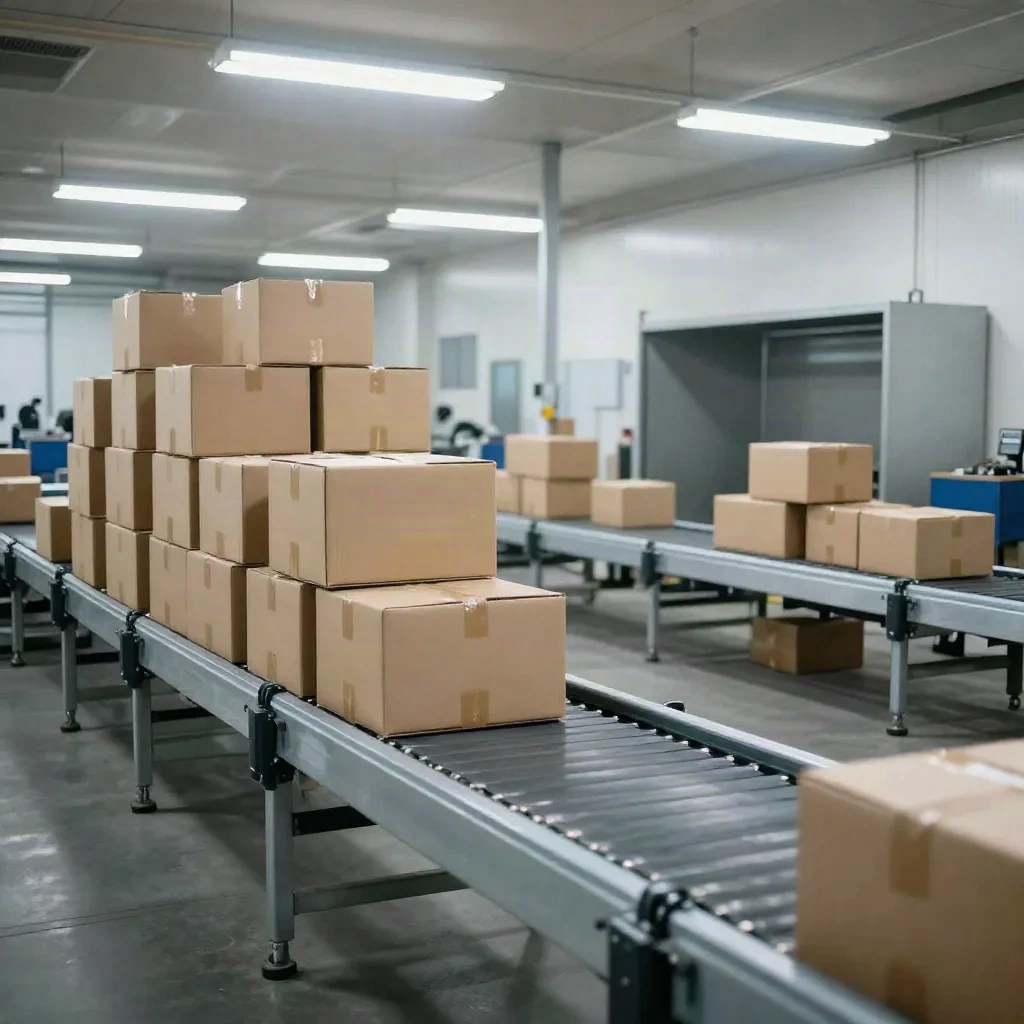
The picture above is the signature of a bottleneck: a pile in front of one station and starved stations after it. You can spot the same pattern in a software pipeline (a review queue swelling while deploy sits idle) or an HR onboarding flow (offers piling up at background checks).
Here is the sequence that finds the limiting step without a consultant:
List the steps in order, with the owner of each.
Record, for each step, how many items it can complete per hour at realistic pace.
Compare the numbers. The lowest one is your candidate constraint.
Check the queue. A growing pile directly before that step confirms it.
Only then decide: add capacity there, remove waste there, or move work away from it.
This is where the calculator earns its keep. Enter the step capacities into the tool and the AI analysis badge reads the result for you, names the limiting step, and says in plain words where adding capacity pays off and where it does not. Enter your numbers. The AI tells you where to act.
Do you need software to run a workflow?
No. A whiteboard and a stopwatch will find your first bottleneck. Software starts to pay off when the workflow repeats hundreds of times a day and the handoffs are digital, because then a human relaying messages is itself a delay.
The market agrees that this is worth money. A 2023 Reportlinker report, as cited by TechTarget, valued the workflow management system market at $6.65 billion in 2022 and projected $46.47 billion by 2030. That tells you vendors are chasing the problem. It does not tell you your problem needs a platform.
A sensible rule: automate a step only after you know it is, or is close to being, the constraint. Automating a step that already has spare capacity gives you a nicer-looking process and the same output.
Four tools show up most when ops teams do automate:
Zapier is the gentlest start for non-technical teams: trigger in one app, action in another. Billing is per task, so a long workflow with many steps costs more as volume grows. Skip it if you run high-volume flows with lots of branching.
Make draws the workflow as a canvas with routers and error handling, which suits rules-driven flows where the path forks. Worth it if you want to see the branches rather than imagine them.
n8n bills per workflow execution rather than per step and can be self-hosted. It fits teams with someone comfortable with a little code, and long flows stay affordable.
Taskade pairs project tracking with AI agents in one workspace. It makes sense when the workflow is mostly people handing tasks to each other, not apps passing data.
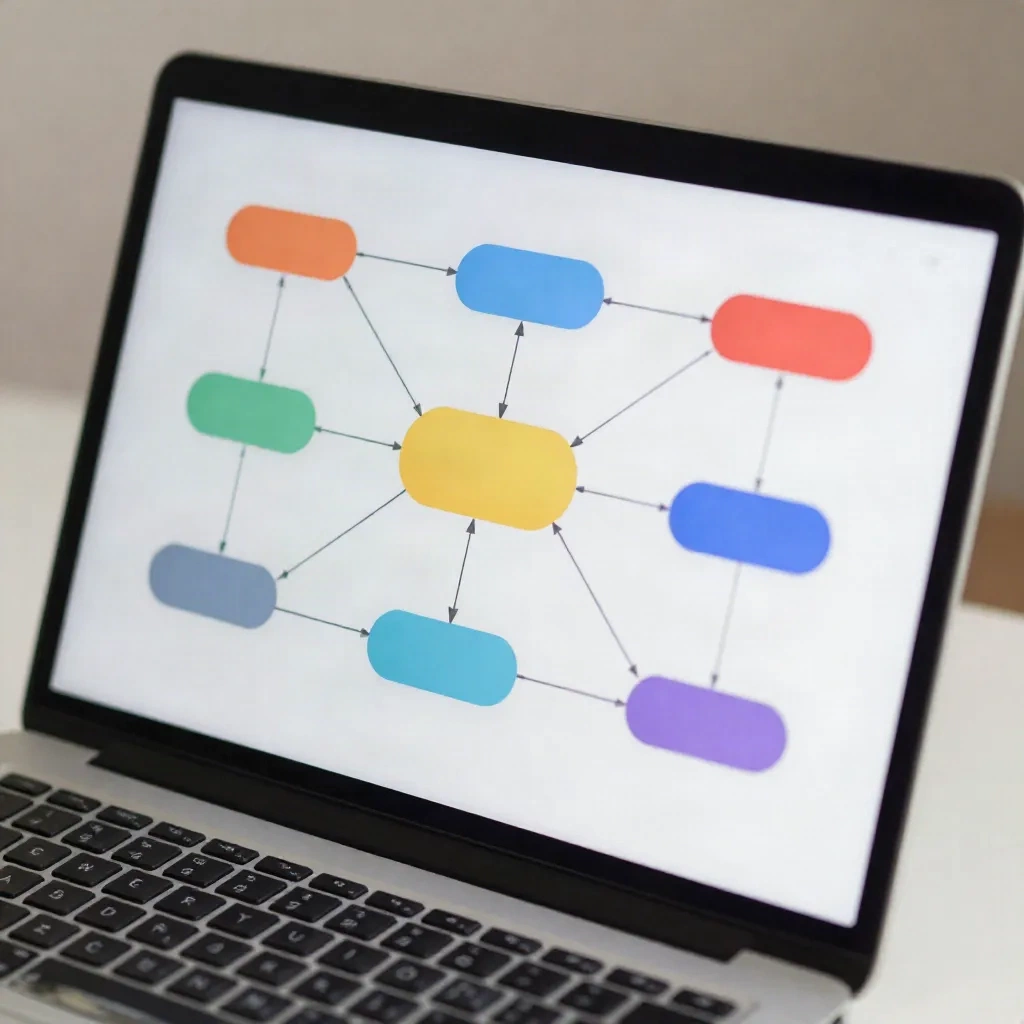
A caution that applies to all four: a tool encodes a workflow, it does not repair one. Automate a broken handoff and it breaks faster, at 3 a.m., with nobody watching.
How do you document a workflow without it becoming shelfware?
Keep it to one page and draw the queues, not just the steps. A good workflow map answers four questions at a glance: what triggers it, who owns each step, where items wait, and what "done" means.
A format that survives contact with real teams:
Write the trigger at the top and the finished output at the bottom.
Between them, one box per step with the owner's role (not their name, people move).
Beside each box, a number: items waiting there right now.
Mark the exceptions with a second line that loops back, and stop at the two most common ones.
Review it when something changes: a new product, a new shift pattern, a tool swap. If the map has not been touched in a year and the work has changed, it is fiction.
Also resist the urge to document ideal behavior. Document what happens on a Tuesday afternoon with two people out. That version is the one you can improve.
What we would do first
If you have a workflow today and no map, spend one hour on it this week. Write the steps, put a capacity number on each, and find the lowest one. If that step also has the longest queue in front of it, you have your bottleneck, and every dollar or hour spent elsewhere is a guess.
If the lowest-capacity step and the longest queue disagree, trust the queue and re-measure the capacity. And if PCE comes out below 25 percent, hunt for waiting and rework before you add headcount or tools. Then run the numbers through the calculator and let the AI analysis tell you whether the fix is capacity, waste removal, or a change in how work arrives.