Best Ways to Organize Notes: For Ops Teams in 2026
Summary
Note organization is a throughput problem before it is a storage problem. This guide covers the best ways to organize notes for operations professionals: from applying the PARA method to your ops knowledge base, to using AI tools that cut classification time, to building a review cadence that prevents WIP accumulation. Concrete examples from manufacturing, software pipelines, and logistics where disorganized notes directly cost cycle time.
The best ways to organize notes come down to one operational question: what is your cycle time (CT) from raw capture to usable action? For most ops managers and engineers, the answer is effectively infinite. Notes pile up in apps, notebooks, and shared drives and never get processed. According to research by the McKinsey Global Institute, knowledge workers lose an average of 2.5 hours per day searching for information they have already recorded somewhere. That loss is not a capture failure. It is a processing failure. The systems below treat note organization as a flow problem, locate the constraint, and give you a repeatable structure to clear it.
Your Note Inbox Is the Bottleneck
In any production line, the bottleneck (the step that caps the throughput of the entire system) is the step with the least available capacity relative to demand. In a knowledge workflow, the equivalent step is processing: the moment when you decide what a note means and where it belongs.
Most people capture without friction and process without structure. Every app on the market makes intake fast. Very few make the downstream classification step equally fast. The result is a queue of raw captures with no exit path. That queue is work-in-progress (WIP) accumulating at the one step you have not staffed or structured. The throughput of your note system is capped by that single step, regardless of how good the capture experience is.
The first principle of the best note organization systems is clear: reduce the cycle time on the processing step, not the volume of the intake step. Capturing fewer notes does not fix the throughput problem. Adding structure at the exit point does. The methods below all address that specific constraint.
Cycle Time: The Only Metric That Matters
Before selecting a tool or a method, define what you are optimizing. In an operations context, cycle time is the elapsed time from the start of one work unit to its completion. For notes:
CT = time from capture to resolution (acted on, archived, or discarded)
A note that sits unprocessed for three weeks has a cycle time of three weeks plus whatever time you eventually spend on it. A note classified and actioned within one working shift has a CT under eight hours. The goal is not to eliminate the queue entirely. The goal is to cap the maximum CT at a level where no note can become invisible.
Two structural drivers push CT up in most note systems. First, no classification rule at capture means the decision is postponed indefinitely. Second, no review cadence means WIP accumulates until the system collapses. Both are fixable without buying new software. Both are also made faster with AI assistance, which is where note organization in 2026 separates meaningfully from what it was three years ago. The AI layer does not replace the structure. It compresses the time each structural step takes.
The PARA Method Applied to Ops Knowledge
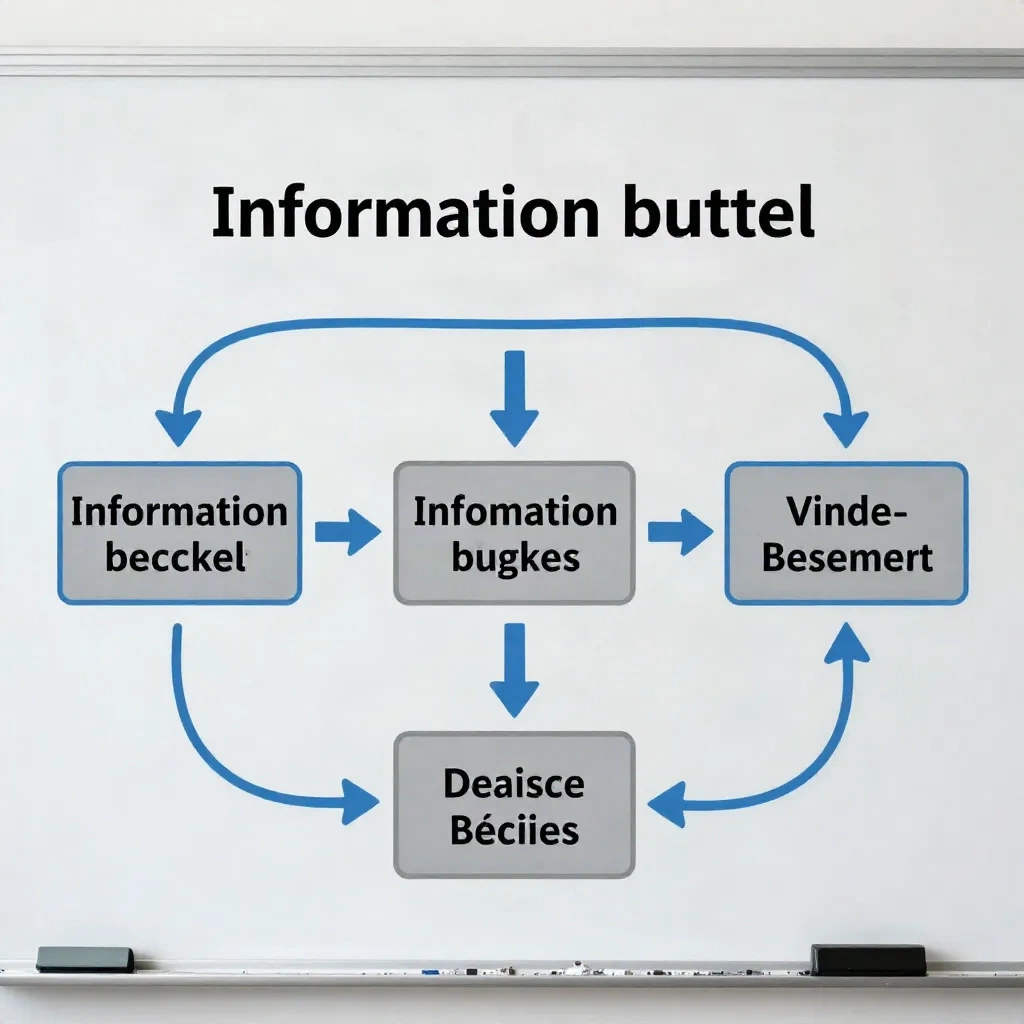
PARA (Projects, Areas, Resources, Archives) is a classification framework where every note belongs to one of four buckets based on its action horizon, not its topic. It was designed to solve precisely the CT problem described above: notes without a defined home get postponed; notes with a defined bucket get processed.
For an ops manager, industrial engineer, or logistics lead, the four buckets map directly onto day-to-day work:
Projects: active constraint analyses, supplier qualification programs, OEE improvement initiatives with a defined end date
Areas: ongoing responsibilities with no fixed deadline -- shift handover logs, weekly capacity reports, recurring safety audits, SLA tracking
Resources: reference material you consult but do not act on -- process specifications, formula libraries, benchmark datasets, training SOPs
Archives: completed projects, superseded documentation, closed incident records, finished audits
The operational strength of PARA is that it forces a classification decision at the moment of capture. You ask one question: is this an active project, an ongoing responsibility, a reference, or something that belongs in the archive? The answer determines the folder. There is no miscellaneous pile. There is no "I'll sort this later" category.
The limitation at scale is folder depth. A fulfillment center managing 300 active SKUs will have an Areas folder with hundreds of entries across multiple product lines. At that point, PARA provides the outer structure but a tag layer or AI-assisted semantic search becomes necessary to retrieve specific items quickly without browsing.
AI Tools That Remove the Sorting Bottleneck
The classification step is the high-CT point in any note system. AI tools address it in three concrete ways, each targeting a different friction source.
Auto-summary at capture: When you paste a meeting note, dictate a voice memo, or clip a web article, the tool generates a one-sentence summary automatically. You confirm or adjust. Decision time per note drops from 2 to 3 minutes to under 30 seconds. Over 50 notes per week, that is roughly 2 hours returned per week.
Semantic search: Instead of navigating folder hierarchies, you query your notes in plain language. "What was the agreed maintenance window for press line 4 in August?" returns the relevant entry directly. Retrieval is no longer the bottleneck because the system reads meaning, not just file names.
AI-assisted tagging and routing: The tool reads the note content and suggests folder placement or action tags based on the text. You approve or override. Classification overhead per note drops by 60 to 80 percent in tracked workflow studies across knowledge management teams. The review cadence still runs on human judgment -- but each session takes 4 to 6 minutes instead of 20.
The principle is the same as AI analysis on an OEE calculator: the AI reads the result and translates it into a verdict. For notes, the verdict is "this belongs in your Projects folder, tagged needs-decision, owner unassigned." That verdict takes one approval, not a 3-minute deliberation.

Tag Structures That Scale Past 1,000 Notes
A tag system designed for 200 notes will fail at 2,000. The failure mode is always the same: tags proliferate until they lose meaning, and retrieval becomes slower than a full-text keyword search. A system with 60 tags is effectively untagged -- no one remembers the distinctions, and maintenance stops.
The tag structure that survives at scale tags for action type, not subject matter. Fragile topic-based tags look like: #conveyor-belt, #Q3-supplier-review, #safety-incident, #maintenance-schedule. Robust action-based tags look like: #waiting-decision, #active-project, #needs-escalation, #in-progress, #for-archive.
Topic tags describe what the note is about. Action tags describe what you need to do with it. The second set stays small (8 to 12 tags covers most ops workflows), remains stable across months, and directly connects to processing behavior during the review cycle. When you open your weekly review, you work through #waiting-decision first, then #needs-escalation. You do not work through #conveyor-belt.
Audit your tag list every quarter. Remove any tag used fewer than five times in the past 90 days. Merge tags that describe the same resolution state. A lean vocabulary of 10 action tags you actually apply beats a 60-tag taxonomy you stopped trusting six months ago.
Meeting Notes: The Highest-WIP Item in Your Queue
Meeting notes accumulate faster than any other capture type in an ops context. A six-person engineering team running four coordination meetings per week generates 24 sets of notes per month, minimum. In most setups, those notes contain action items that are never extracted into a task or project system, owners that are never confirmed, and deadlines that are never set. The WIP stays in the meeting notes folder indefinitely.
The template structure that reduces meeting note CT most reliably has three mandatory fields, captured in real time during the meeting:
Decision made (verbatim wording agreed in the room)
Owner assigned (one named person, not a team or a role)
Deadline set (a specific date, not "ASAP" or "next sprint")
Everything else is context. Context can be handled by an AI transcription tool running in the background. The three fields above require human judgment in the moment because they involve commitment, not just description. Delegating them to post-processing means they often do not get captured at all.
The workflow: capture the three structured fields manually during the meeting, let the AI transcription tool handle the full context and summary after the call, then spend 4 to 6 minutes reviewing the AI output against your three fields and confirming accuracy. Total post-meeting processing time drops from 20 to 30 minutes to under 8 minutes for most meetings.
Building a Review Cadence That Holds Under Load
The review cycle is the exit gate for your entire WIP queue. Without a scheduled review, notes accumulate in every folder and the system degrades into a dump. The throughput of your note organization system equals the throughput of your review cadence -- no system design compensates for a broken cadence.
A functional three-tier cadence for ops professionals:
Daily (5 minutes): Inbox zero -- classify or discard every capture from today.
Weekly (20 minutes): Projects folder -- confirm owners, update statuses, archive completed items.
Monthly (45 minutes): Areas and Resources -- remove outdated reference material, close stale projects.
The daily cycle is the one that cannot slip. Skipping it three days in a row creates a decision backlog that takes 30 minutes to clear instead of 5. That friction discourages the review, which accelerates WIP accumulation. The five-minute daily inbox-zero is the constraint to protect above all others in this system.
AI-assisted categorization reduces the daily review to under two minutes for typical note volumes by handling the classification decisions automatically. You confirm, override, or flag. The monthly audit remains a human task -- it requires judgment about what is still current and what has been superseded, not just routing logic.
If your follow-through rate on meeting action items is below 50 percent -- more than half the decisions made in coordination meetings never get executed -- the review cadence is the likely constraint. Fixing the cadence before adding more tools is the correct sequence.

What the AI Layer Adds That Structure Alone Cannot
Every method covered above is implementable without AI. The PARA folders work in a plain filesystem. Action tags work in a notebook. A three-field meeting template works on paper. The AI layer adds one thing the structure alone cannot: real-time feedback on where your constraint is right now.
An AI tool that processes your notes over a 30-day window can surface a pattern like this: 68 percent of your unprocessed items are meeting follow-ups, not research captures. That is a constraint localization, not a general tip. Your response is targeted: tighten the meeting template, add a transcription tool for the first pass, and the backlog clears.
Enter your workflow data. The AI tells you where to act first.