Notion vs Evernote for Ops Teams: Which Wins in 2026?
Summary
In this notion vs evernote comparison for operations teams, Notion wins because its databases link a bottleneck log to the SOP, owner and status, starting free and $10 per member per month on Plus. Evernote searches clippings, scans and PDFs faster but stays a document tool, with a free plan capped at 50 notes. We compare pricing, AI, team controls and review scores as of October 2026.
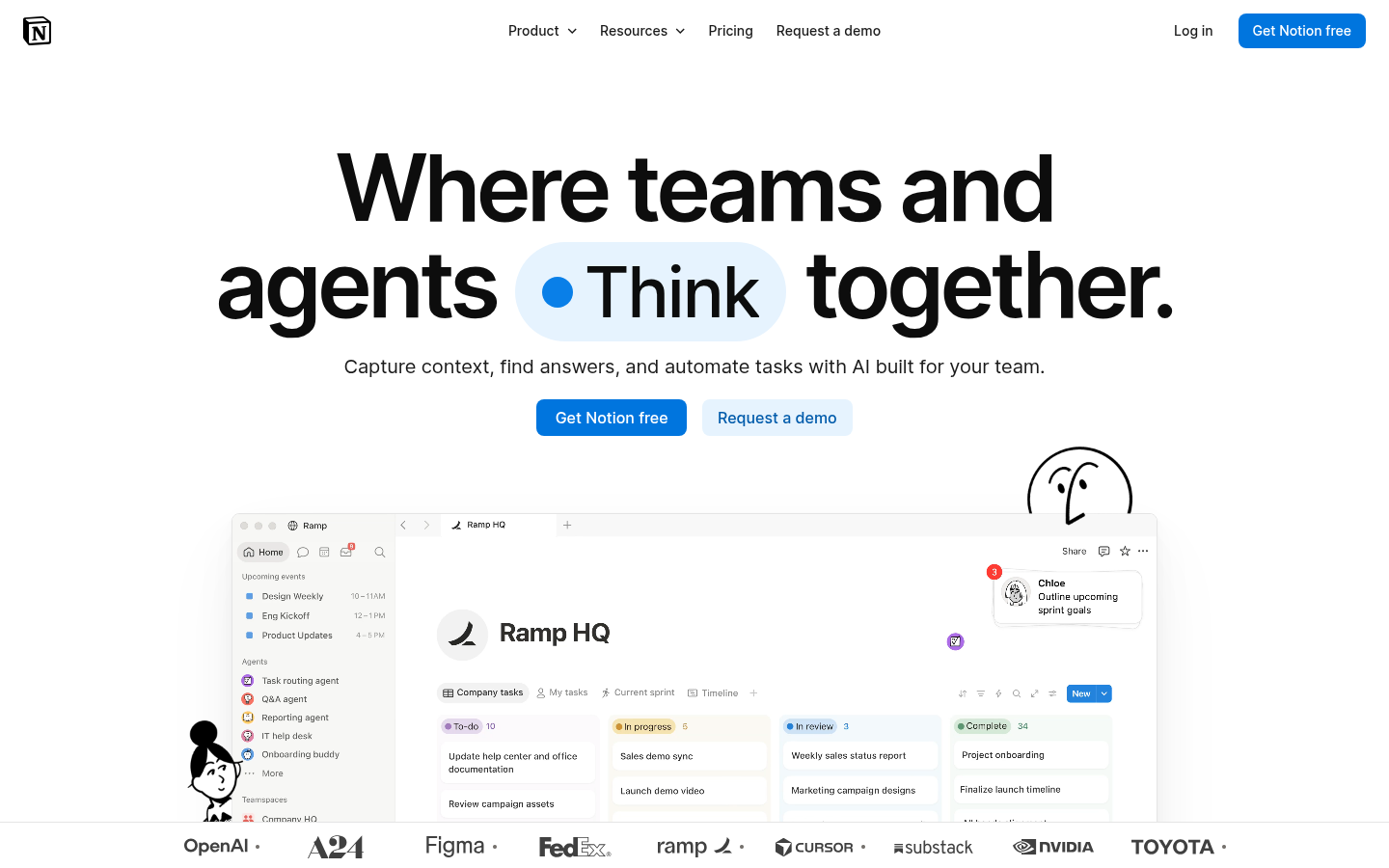
Notion
- Databases let a bottleneck log link to the SOP, the owner and the fix status
- Free plan is unlimited for a solo user, so a pilot costs nothing
- Board, table, timeline and dashboard views on the same data
- Notion Agent and Custom Agents can automate follow-ups and meeting notes
- Reviewers report slowness on very large workspaces and limited offline use
- The free plan caps uploads at 5 MB and page history at 7 days
- AI meeting notes and Notion Agent require the $20 Business tier
The better home for living process documentation and shift-to-shift tracking.
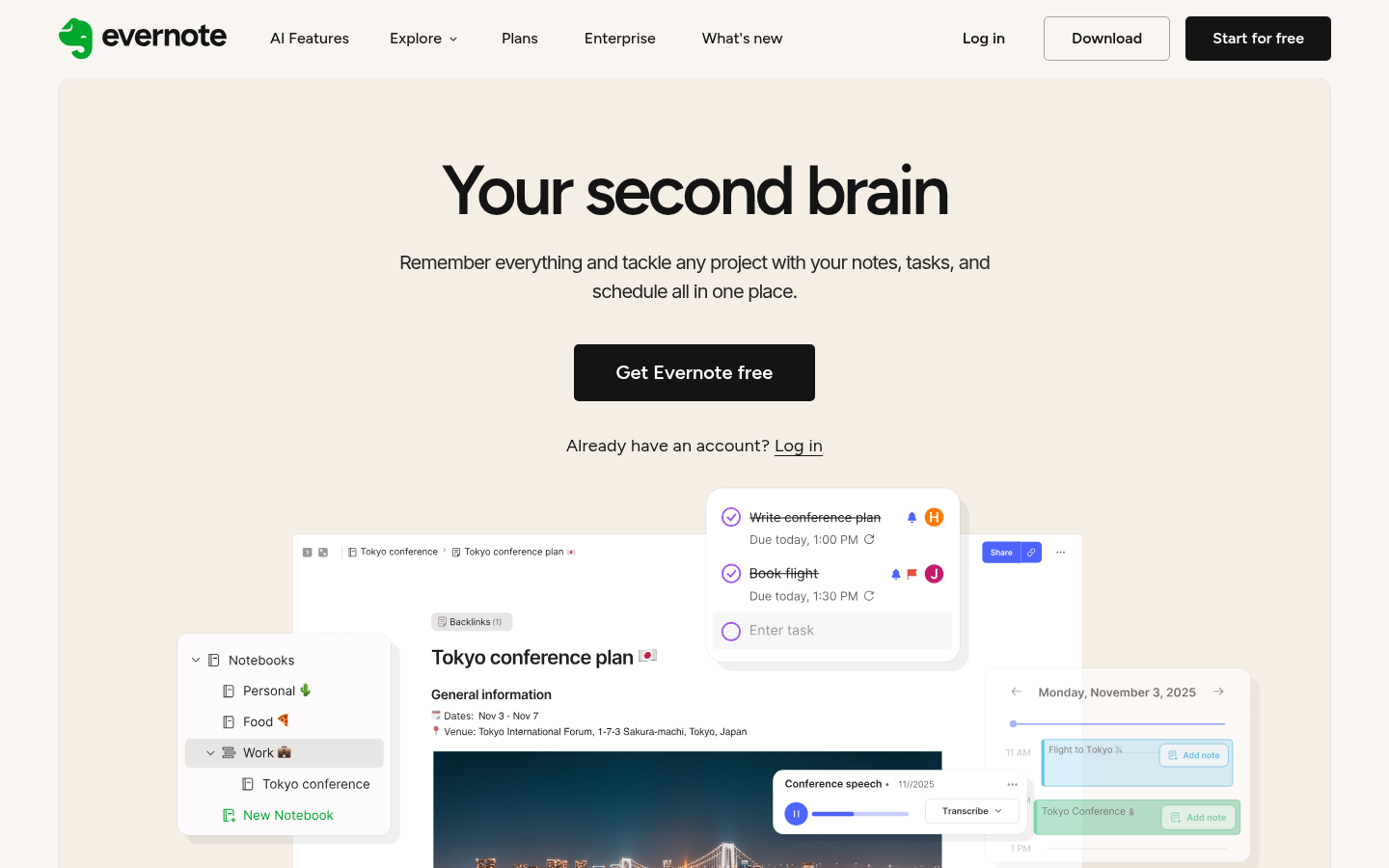
Evernote
- Fast search that reaches inside attachments and images
- Web Clipper and offline notes work well for field and site visits
- Notes, tasks and calendar sit in one app
- MCP connection lets outside AI tools read your notes on paid plans
- The free plan stops at 50 notes, 1 notebook and 1 device, which is too tight for real use
- No relational databases, so a bottleneck log stays a document, not a dataset
- Reviewers describe the app as heavy and the interface as crowded since tasks, calendar and AI were added
A strong capture engine, but a weak fit for structured ops tracking.
At-a-glance
| Notion | Evernote | |
|---|---|---|
| Price per user (billed annually) | Free; Plus $10/member/month; Business $20/member/month; Enterprise custom | Free; Starter $8.25/month ($99/year); Advanced $20.83/month ($249.99/year); Teams from $10/seat/month |
| Free plan limits | Unlimited pages for one person, 5 MB per upload, 10 guests, 7-day page history | 50 notes, 1 notebook, 1 device, 1 GB monthly uploads |
| Structured data (tables, relations, dashboards) | Full databases with relations, subtasks, dependencies, charts and dashboards | Notebooks, tags and spaces; no relational databases |
| Capture and search | Strong in-workspace search; web clipping and OCR are less central | Web Clipper, document and image search, offline notes, PDF annotation |
| AI features | Notion Agent and AI Meeting Notes from Business; Custom Agents on credits ($10 per 1,000) | AI Assistant, semantic search, transcription and an MCP connection to outside AI tools on paid plans |
| Team controls | Teamspaces, permission groups, granular database permissions, SAML SSO on Business | Shared spaces and admin console on Teams; SSO and SCIM on Enterprise |
| Aggregated review score | 4.6/5 on G2 (13,862 reviews); 4.7/5 on Capterra (2,829) | 4.4/5 on G2 (2,044 reviews); 4.4/5 on Capterra (8,254, Teams listing) |
Verdict
Notion wins for operations work because its databases connect a bottleneck log to the SOP, the owner and the status. Pick Evernote if your daily job is capturing and retrieving clippings, scans and PDFs, not building a tracked process system.
How we tested
This is a desk-based comparison, not a month-long trial. On 5 October 2026 we read the official pricing and plan tables of both vendors and compared them with aggregated G2 and Capterra review ratings. We then scored each tool against one scenario from the Bottleneck Calculators audience: an ops team that has to log bottlenecks, keep SOPs current, assign fixes and hand over between shifts. Custom scores use a 0 to 5 scale and weigh review aggregates first, then fit to that scenario. Prices are list prices billed annually and can change; check the vendor page before buying. Neither product pays us for placement and we have no affiliate link with either.
Notion is the better pick for ops teams, Evernote for personal capture. Notion links a bottleneck log to the SOP, the owner and the fix status in one database, at $10 per member per month on Plus. Evernote searches clippings, scans and PDFs faster, but stays a document tool. If your team tracks work, choose Notion. If you mostly collect and retrieve, choose Evernote.
Why a notion vs evernote comparison matters on an ops team
A shift lead finds a recurring jam at the packing station. Where does that finding go? In a shared doc nobody reopens, a chat thread that scrolls away, or a tracked record with an owner and a due date?
That question is what separates these two apps for operations work. Both store notes. Only one treats a note as a row in a table that can be filtered, assigned and reviewed. The rest of this page compares them on that practical ground: documenting a goulot d'étranglement (the step that caps the throughput of the whole line), keeping standard operating procedures (SOPs) current, and handing work between shifts.
We are not a note-taking review site, so we stay on the ops angle. For a personal reading list or a recipe collection, either tool works and the choice is mostly taste.
Pricing: what you actually pay in 2026
Both vendors list a free tier and three or four paid tiers. The gap is in what the free tier lets you do.
Notion Free is unlimited for one person. With two or more members it caps the number of blocks (the units of content on a page), uploads are limited to 5 MB per file, history is 7 days and you can invite 10 guests. Plus is $10 per member per month billed annually, with unlimited uploads and 30 days of history. Business is $20 and adds private teamspaces, SAML single sign-on, 90 days of history and the AI agent features.
Evernote Free allows 50 notes, 1 notebook and 1 device. That is a trial, not a working plan. Starter is $8.25 per month ($99 a year) with 1,000 notes, 20 notebooks and 3 devices. Advanced is $20.83 per month ($249.99 a year) with unlimited notes, notebooks and devices. Teams start from $10 per seat per month on the Flexible plan.
For a five-person ops team, Notion Plus costs about $50 a month. The equivalent on Evernote Teams starts near the same figure, so price rarely decides this one. What decides it is the free tier: you can pilot Notion with real data for nothing, while Evernote forces a paid plan almost immediately.
Structured data: where the two tools part ways
This is the criterion that matters most for process work. A bottleneck log needs columns: station, cycle time, owner, status, date found, date fixed. It also needs views: a table for the weekly review, a board for open fixes, a chart for recurring causes.
Notion databases do this. A row can hold subtasks and dependencies, link to an SOP page, and show up on a dashboard. You can build a bottleneck register in an afternoon and keep it alive because updating a row is faster than rewriting a paragraph.
Evernote has notebooks, tags and spaces. You can tag every note "bottleneck" and "station-3", and search will find them. But you cannot sort them by cycle time or filter by owner, because the fields do not exist. The log stays a pile of documents.
Little's Law is a useful test here. It tells you that WIP = Throughput x Cycle Time, so any tracking system that cannot store cycle time per item will not help you apply it. Notion can hold that number per row and chart it. Evernote can hold it in the text of a note.
Capture and search: Evernote's real strength
Credit where it is due. Evernote was built to swallow information and give it back. Its Web Clipper, document and image search, offline access and PDF annotation are mature, and reviewers on G2 keep naming fast search and cross-device syncing as the reasons they stay.
For an ops person who photographs whiteboards at a site visit, scans supplier sheets and clips vendor specs, that matters. Searching "pallet 1200" and landing on the right scanned delivery note is worth real time.
Notion search works well inside a workspace but is not the reason people choose it. Offline use is also more limited: Notion auto-downloads recent and favorite pages, and Capterra reviewers list limited offline function among the top complaints. If you work in a plant or warehouse with patchy signal, test this before you commit.
AI features: what each plan includes
Both products added AI, and both gate the useful parts behind paid plans.
Notion bundles Notion Agent (it completes multi-step tasks using context from your workspace and connected apps) and AI Meeting Notes in the $20 Business tier. Custom Agents, which run repetitive tasks on their own, are free to try and then cost $10 per 1,000 Notion credits. Free and Plus get a limited trial.
Evernote includes an AI Assistant, semantic search, AI Transcribe and AI Edit on its paid plans, and it can connect to outside AI tools over MCP (a standard that lets tools like Claude or ChatGPT read your notes).
The same logic applies as with any ops calculation: the AI is only as useful as the data it reads. An AI that summarizes a free-text note gives you a summary. An AI that reads a database of 200 logged bottlenecks can tell you which station recurs. On Bottleneck Calculators the AI analysis badge reads your numbers and turns them into a verdict you can act on; the same principle explains why structured data in Notion gives its AI more to work with.
Team features and admin controls
Notion's Business plan adds private teamspaces, permission groups, granular database permissions (you can share one row set with a contractor without exposing the whole table) and SAML SSO. Page verification lets an owner mark an SOP as current, which shows up in search and AI citations. For controlled documents, that is a direct fit.
Evernote Teams offers shared spaces and a central admin console. Enterprise adds SSO, SCIM provisioning, activity logs and a dedicated success manager. The controls are solid for a company that wants shared notebooks. They are not built around documents that have owners and review dates.
What reviewers say
On G2, Notion holds 4.6 out of 5 across 13,862 reviews, and Evernote 4.4 out of 5 across 2,044. On Capterra, Notion scores 4.7 across 2,829 reviews, with ease of use at 4.4 and value for money at 4.6. Evernote's Teams listing shows 4.4 across 8,254 reviews.
The complaints are consistent. Notion: slowness with large content, mobile usability and a learning curve. Evernote: tight free-plan limits, price, and an app that feels heavy as features pile up. Neither list is a deal breaker, but check the one that matches how you work.
Which should you choose?
Choose Notion if you run a team, track fixes to completion, maintain SOPs or want a free pilot before paying. Choose Evernote if you work mostly alone, collect documents from the field and need to retrieve them in seconds.
If you are still unsure, run a two-week test: log every bottleneck you meet in one tool only. If at the end you want to sort, assign and chart them, you needed Notion. If you only wanted to find them again, Evernote was enough.