Best AI Note Taker in 2026: 6 Tools Compared for Ops Teams
Summary
The best AI note taker for most people is Fathom, thanks to a free plan with unlimited recordings and the strongest public review record. TicNote is our pick when meetings must become reports, slides or dashboards. We compared Fathom, TicNote, Fireflies, Granola, Otter and tl;dv on price, free limits, capture method and output, and we flag the one limit to check on each before you commit.
We compared six AI note takers on price, free plan limits, bot-free capture and output, so ops teams can pick the tool that closes the gap between a meeting and its action items.
At-a-glance
| Fathom | TicNote | Fireflies AI | Granola | Otter.ai | tl;dv | |
|---|---|---|---|---|---|---|
| Paid plan entry price | Premium $16/mo billed annually, $20 monthly; Team $15 annual | Professional $16.58/mo ($199 billed annually); Business $33.25/mo | Pro $10/seat/mo billed annually, $18 monthly | Business $14/user/mo; Enterprise $35 | Pro $8.33/mo billed annually, $16.99 monthly | Pro $18/user/mo billed annually, $29 monthly |
| Free plan | Unlimited recordings and transcripts; advanced summaries limited | 300 transcription min/mo, 30 min max per web recording | Unlimited transcription, limited AI summaries, 400 min storage per team | Free Basic plan with 30 days of meeting history | 300 min/mo, 30 min per conversation, 3 lifetime file imports | Unlimited recordings; AI notes on a limited number of meetings (10) |
| How it captures the call | Bot by default; bot-free capture in beta on Mac | Chrome extension, mobile app and dedicated recorder devices | Notetaker bot, plus a Chrome extension option without the bot | No bot; records device audio on Mac and Windows | Bot joins Zoom, Teams and Meet to write and share notes | Bot-based recording; homepage advertises a no-bot-required option |
| Limit to check first | Action items, follow-up emails and Ask Fathom need a paid plan | Free plan caps a web recording at 30 min; Shadow Credits are metered | AI credits meter advanced AI features on every tier | Audio is deleted after transcription, so no recording to replay | Pro caps meetings at 90 min; Business allows 4 hours | Free AI notes cover only a handful of meetings, then you must upgrade |
| Best output | Instant summary, action items and clips | Reports, slides, dashboards and mindmaps built from meeting sources | Searchable archive with task tracking and CRM sync | Personal-voice notes merged with your own shorthand | Live transcript and captions during the call | Highlight clips and team libraries |
| G2 rating (aggregated) | 5.0 from about 7,000 reviews | No G2 rating found during our research | 4.7 from about 750 reviews | 4.7 from about 35 reviews | 4.4 from about 500 reviews | 4.7 from 450+ reviews |
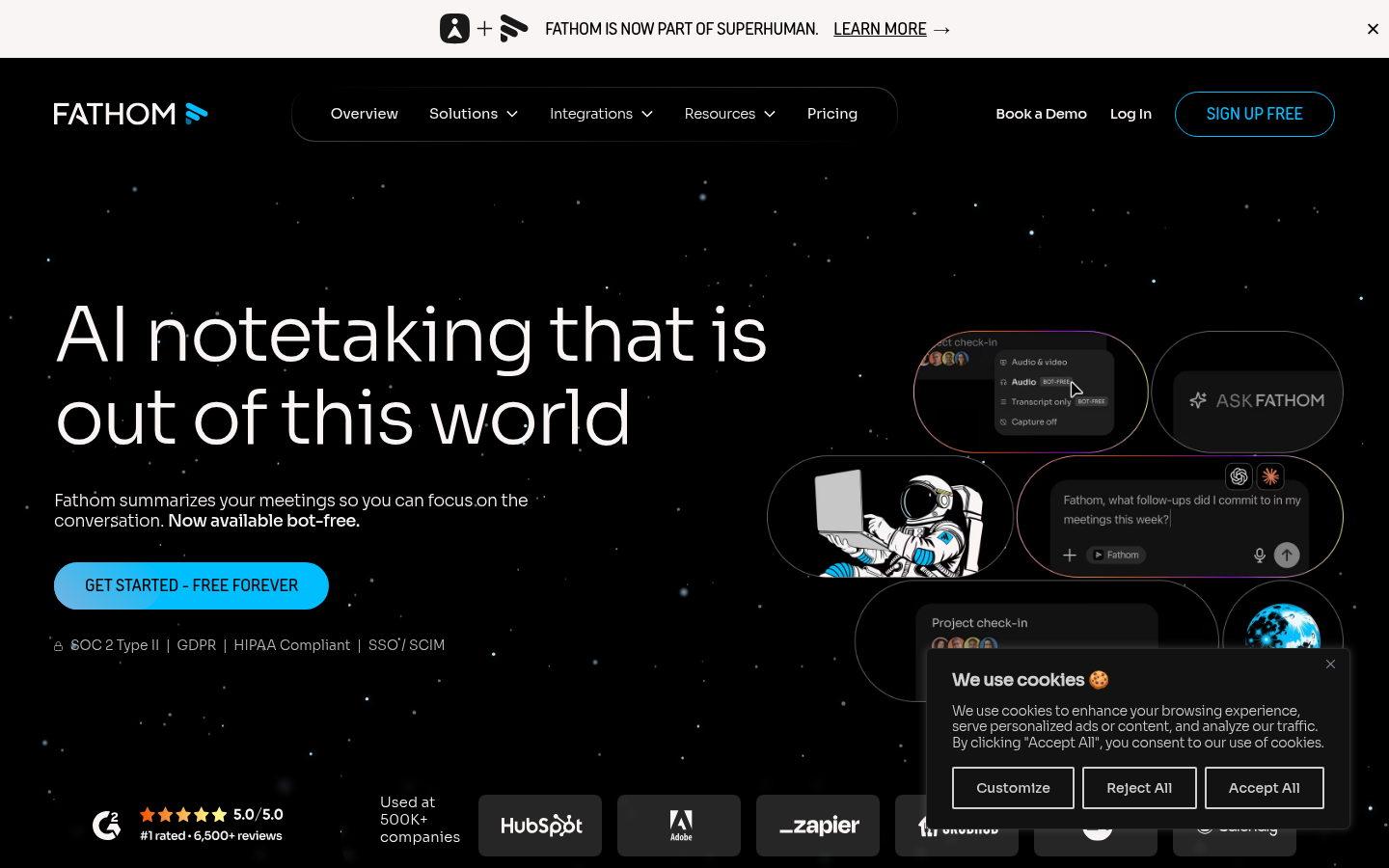
Fathom
- Free plan includes unlimited recordings and transcripts with no expiry
- Highest aggregated G2 rating in the category, about 5.0 from roughly 7,000 reviews
- Bot-free capture (beta on Mac) and Claude and ChatGPT integrations on every plan
- Advanced summaries, AI action items and follow-up emails need Premium
- A meeting bot joins by default unless you use the Mac beta
- CRM field sync and AI scorecards sit on the Business tier
The safest default: free to start, well reviewed, and enough for most weekly team meetings.
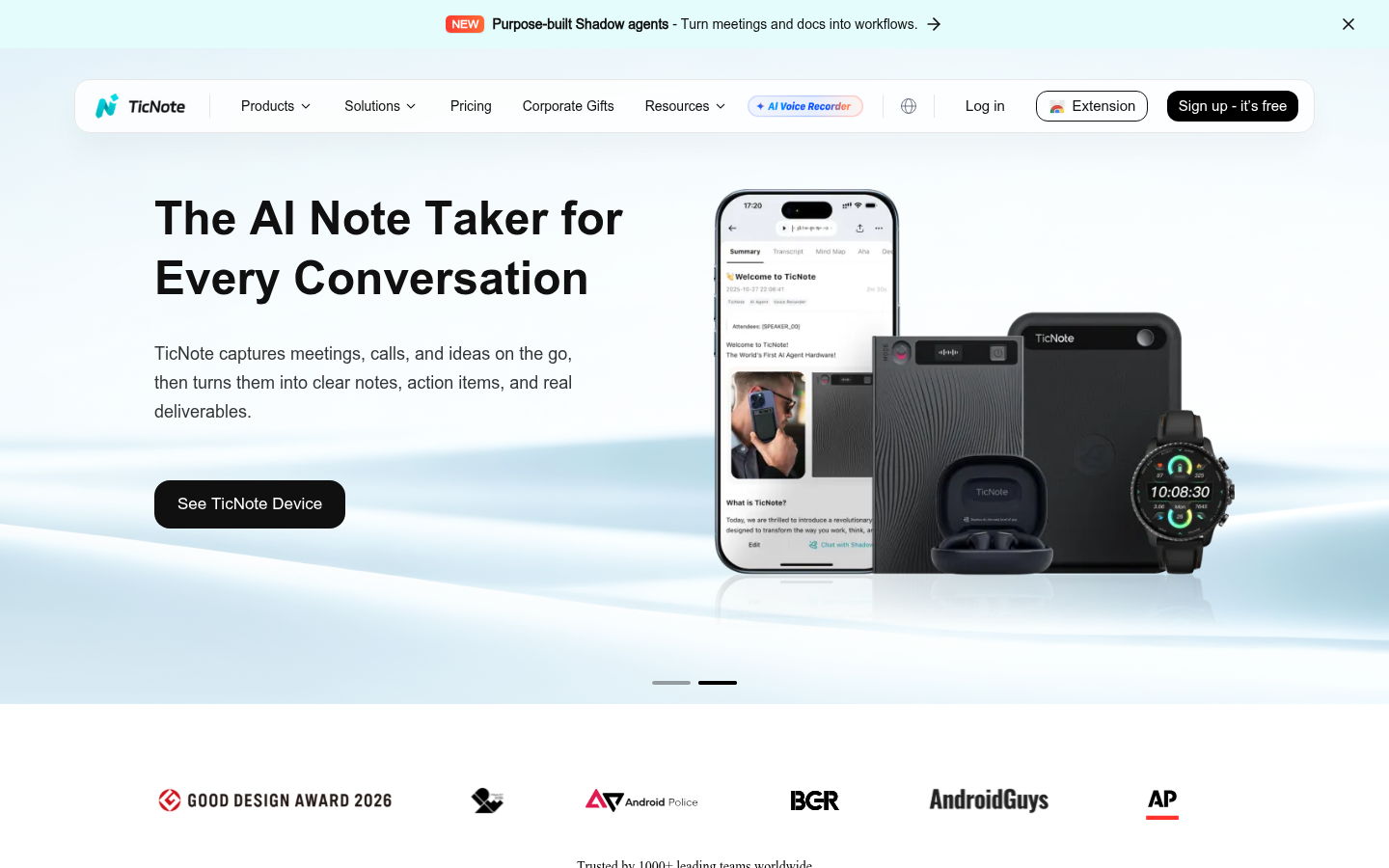
TicNote
- Shadow Agent generates real files from your sources: reports, slides, dashboards, mindmaps
- Meetings, PDFs and videos live in one project, so reviews cite their sources
- Chrome extension, app and recorder devices cover calls and in-person shifts
- Free plan includes 300 transcription minutes per month
- Free web recordings are capped at 30 minutes each
- Shadow Credits are metered, so heavy agent use means a paid tier
- No independent G2 rating turned up, so the public review base is thin
Our pick when the meeting is only step one and the output has to be a document someone can act on.
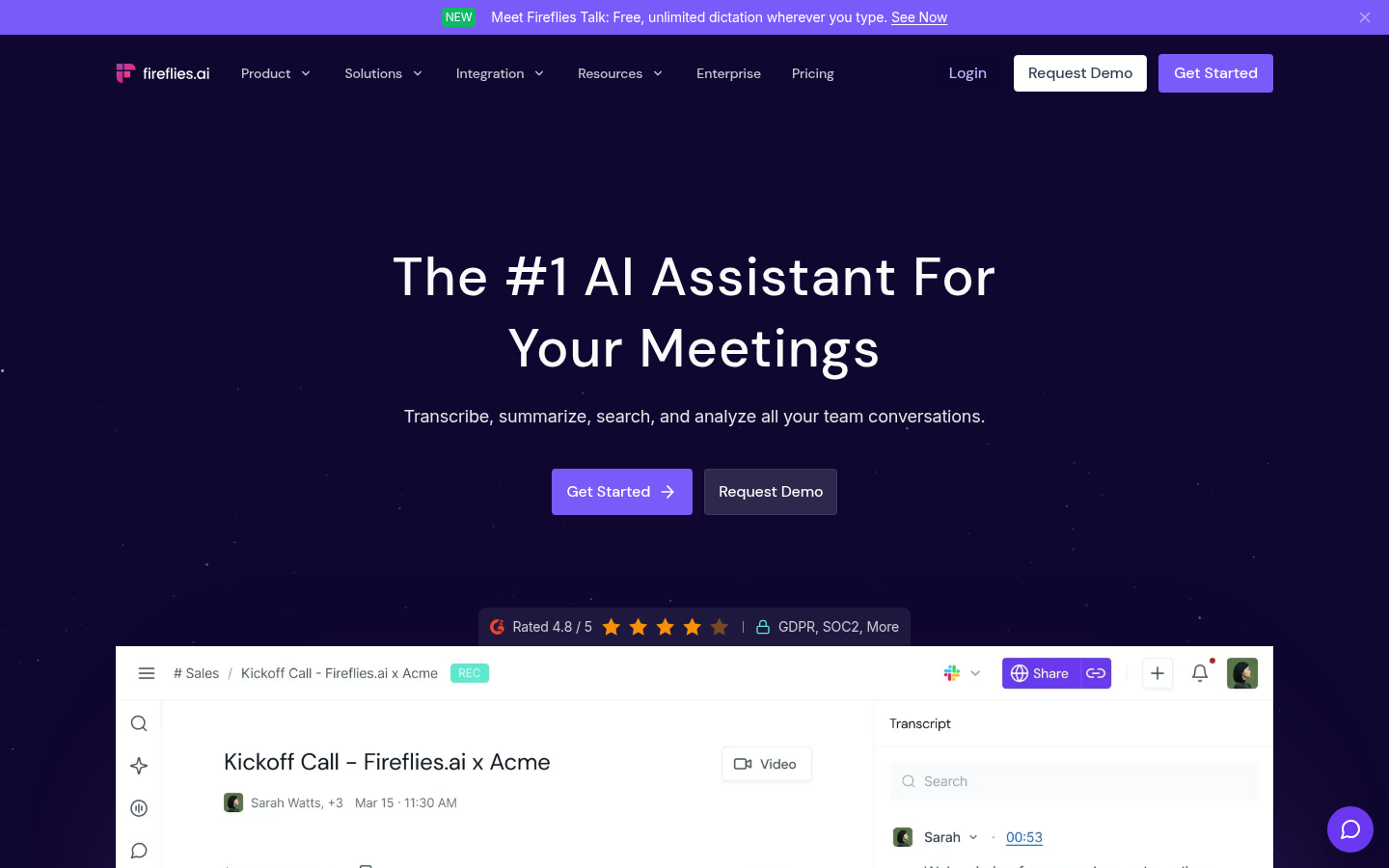
Fireflies AI
- Aggregated G2 rating around 4.7 from about 750 reviews
- Transcription in 100+ languages with deep CRM and Slack integrations
- Task manager and conversation analytics on the Business tier
- AI credits meter advanced AI features, so heavy use needs a higher tier
- Free storage is limited to 400 minutes per team
- The notetaker bot can feel intrusive in small or informal meetings
Strong for teams that live in a CRM and want every call searchable.
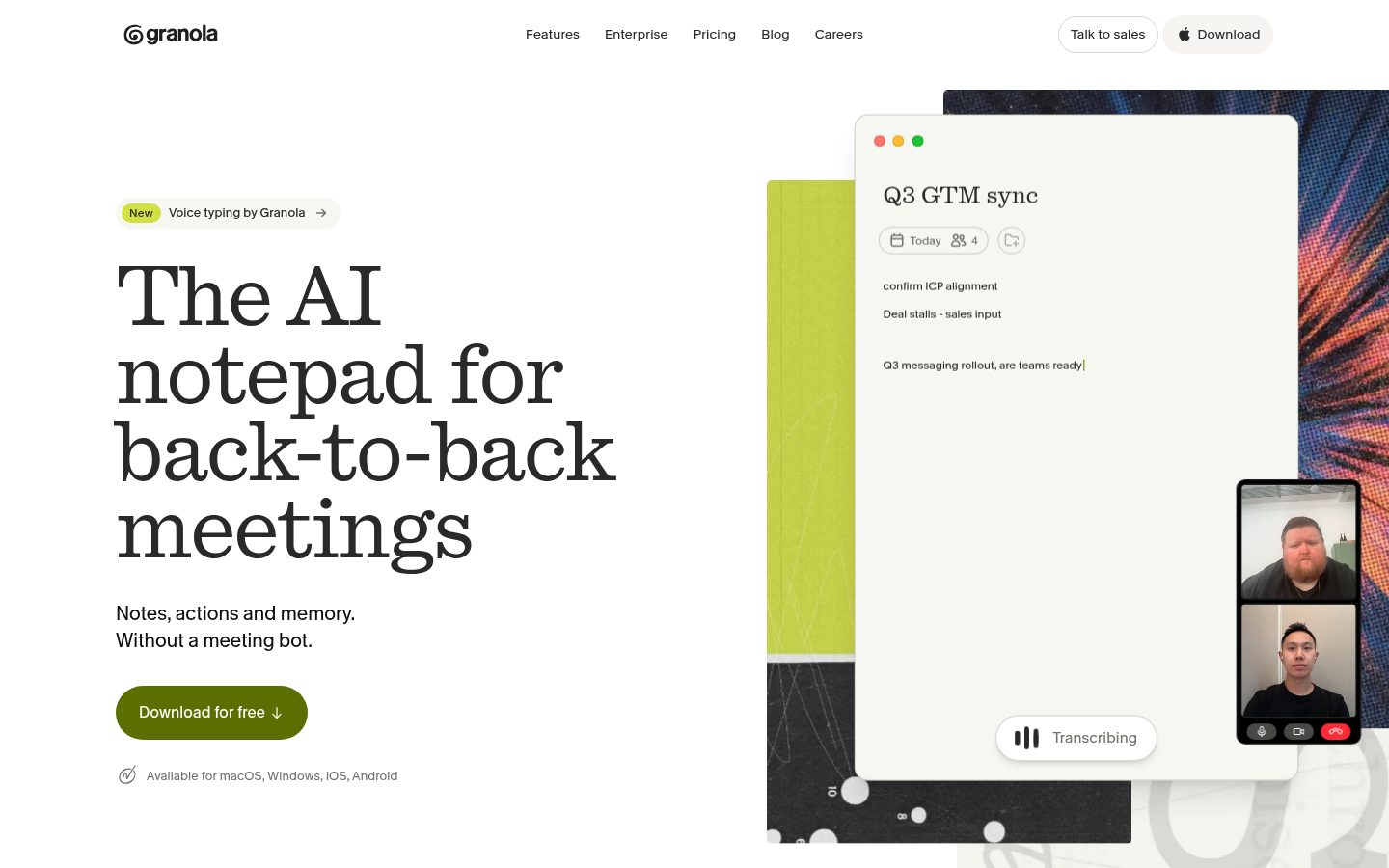
Granola
- No bot ever joins the call, which suits sensitive conversations
- Your own shorthand is merged with the transcript into readable notes
- Audio is deleted after transcription, with SOC 2 Type II certification
- Free plan shows only 30 days of meeting history
- It keeps no recording, so there is no audio or video to replay
- Desktop-first, and team analytics lag behind Fireflies
Best when privacy and note quality matter more than a video archive.
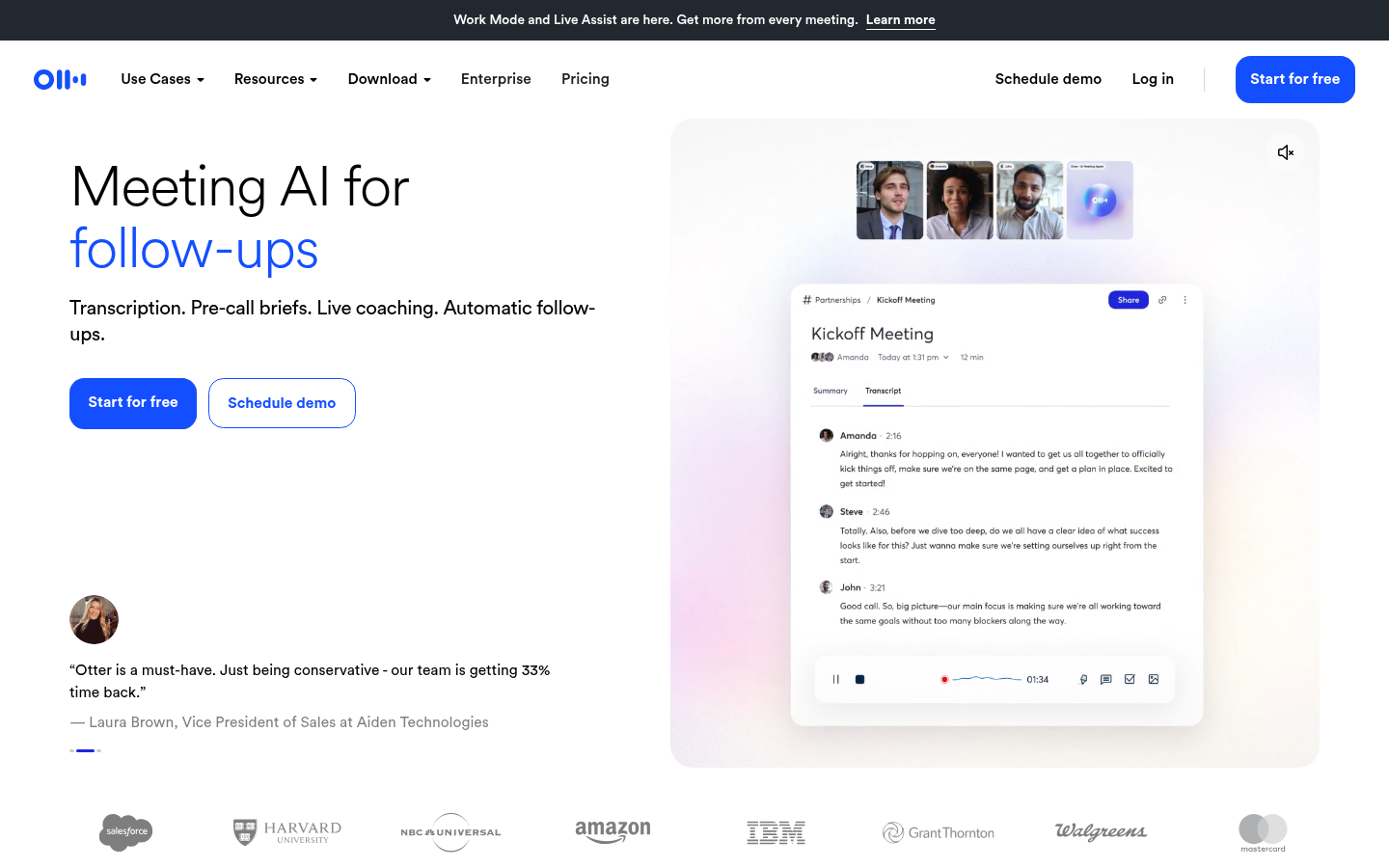
Otter.ai
- Live transcription with speaker identification inside Zoom, Meet and Teams
- Mature iOS and Android apps with widgets and Siri shortcuts
- Cheapest annual Pro price in this group at $8.33 per month
- Free plan caps every conversation at 30 minutes
- AI Chat queries are capped per month on every plan
- Aggregated G2 rating of about 4.4 trails the other tools here
Good for live captions, but the free tier limits make it a paid-plan tool.
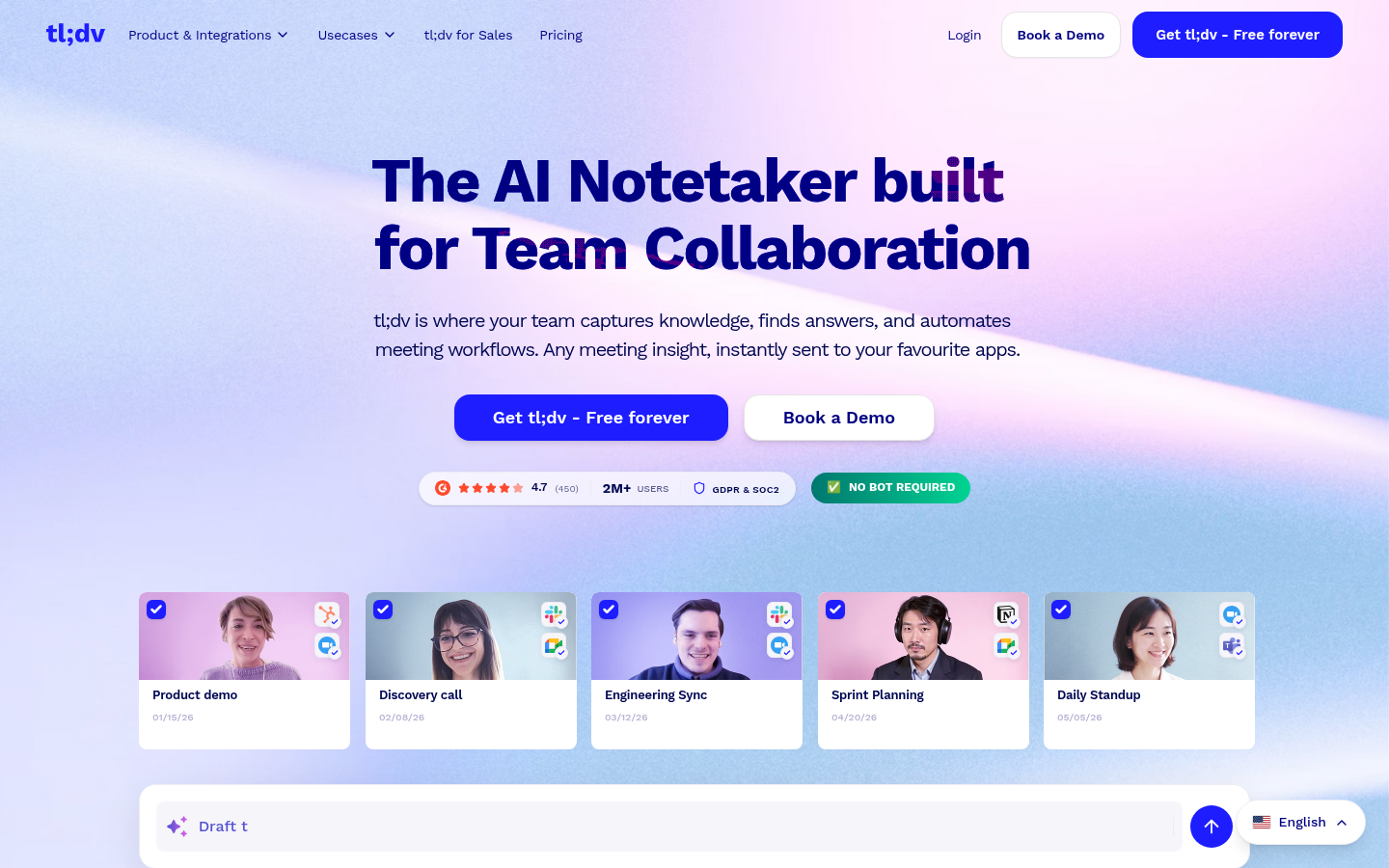
tl;dv
- Unlimited recordings and transcription in 30+ languages on the free plan
- Shareable clips and team libraries built around collaboration
- Pro adds an MCP server, API and webhooks
- Free plan covers AI notes for only 10 meetings and a few queries
- Pro costs $18 per month annually, the highest entry price in this group
- Multi-meeting AI insights require the Business tier
A collaboration-first option, best once your whole team commits to one library.
Verdict
Pick Fathom if you want one free tool that handles most meetings. Pick TicNote if the real bottleneck is turning meeting notes into reports, slides and dashboards. Pick Fireflies for CRM-heavy teams, Granola for bot-free privacy, Otter for live captions and tl;dv for shared clip libraries. Whichever you choose, track one number for two weeks: how many action items are still open a week after the meeting.
How we tested
We compared six AI note takers on published plan limits and prices, checked on each vendor's pricing page in early November 2026 (tl;dv prices come from a third-party roundup because its pricing page showed no figures). We scored each tool from 0 to 5 on five criteria: free plan usefulness, capture method, limits that bite in real use, quality of the output, and aggregated review ratings from G2. We did not run a timed accuracy test on identical recordings, so the scores reflect documented features and public reviews, not a lab benchmark. TicNote is an affiliate partner of this site, which earns a commission if you subscribe through our link. That did not change the ranking: Fathom outranks TicNote on public review evidence and free-plan generosity.
Verdict: The best AI note taker for most teams is Fathom: its free plan has unlimited recordings and the strongest review record we found. TicNote is the better choice when meetings must become reports, slides or dashboards, which is why it ranks second. Fireflies, Granola, Otter and tl;dv each win one narrow use case, covered below. Prices were checked in early November 2026.
Why meeting notes are a hidden bottleneck
A bottleneck (the step that caps the throughput of the whole process) rarely sits where the meeting happens. It sits after it. Someone has to write the summary, extract the action items and chase the owners. If that step takes a day, every decision waits a day.
Little's Law (WIP = Throughput x Cycle Time) makes this concrete. Say your team closes 10 action items a week and each one takes 2 weeks from the meeting to completion. You are carrying about 20 open items at any time. Cut the delay between meeting and assigned action from two days to ten minutes and you shorten the cycle time of every item. An AI note taker is a tool for that single step.
That is the lens for this ranking. We care less about transcript polish and more about what happens to the notes after the call ends.
What an AI note taker actually does
Every tool here records or listens to a call, transcribes it, and produces a summary with action items. They differ in four ways that matter for ops work:
Capture method. A bot (an extra participant that joins your Zoom, Meet or Teams call) versus capture from your own device. Bots are easy to set up and visible to everyone. Device capture is quieter but depends on your computer or phone.
Free plan limits. Caps on minutes, meeting length, history or AI summaries decide whether the free tier is usable or just a trial.
Output. A summary is the baseline. Some tools also produce files, clips or CRM updates.
Review record. Aggregated G2 ratings are not a lab test, but a large review base is evidence that the tool holds up outside a demo.
How the six tools rank
1. Fathom: the best default
Fathom ranks first because its free plan removes the usual trade-off. Recordings and transcripts are unlimited, summaries arrive within moments of the call ending, and its G2 rating of about 5.0 from roughly 7,000 reviews is the strongest in this group.
The catch is that AI action items, follow-up emails and Ask Fathom (a chat interface over your calls) sit behind Premium at $16 per month billed annually. A bot joins by default, though a bot-free capture mode is in beta on Mac. For a weekly standup or a shift handoff, the free plan is enough.
2. TicNote: best when notes must become deliverables
TicNote is the tool for the ops lead who has to turn three meetings and a PDF into a report. Its Shadow Agent builds real files from your sources: reports, slides, dashboards and mindmaps. Sources stay linked, so a claim in the report points back to the moment in the recording that supports it.
Capture works through a Chrome extension, the mobile app and dedicated recorder devices, which helps for in-person shift reviews. The free plan gives 300 transcription minutes per month, but a web recording stops at 30 minutes. Professional costs $16.58 per month billed annually ($199 per year) and lifts that to 3 hours. Shadow Credits (the metered currency for agent tasks) are included in each plan, so heavy agent use pushes you up a tier.
One caveat: we found no independent G2 rating for TicNote. Its public review base is thinner than Fathom's, which is why it ranks second rather than first. TicNote is an affiliate partner of this site; see the methodology below.
3. Fireflies: best for CRM-heavy teams
Fireflies pairs transcription in 100+ languages with deep CRM and Slack integrations, a task manager and, on Business, conversation analytics such as talk-time and sentiment. Pro costs $10 per seat per month billed annually. The trade-off is the AI credit system, which meters advanced AI features, and the free plan's 400 minutes of storage per team.
4. Granola: best for private, bot-free notes
Granola records device audio on Mac and Windows, so no bot ever joins the call. You type rough notes during the meeting and it merges them with the transcript. Audio is deleted after transcription, which is good for privacy and bad if you want to replay a moment. The free plan shows 30 days of history, and Business is $14 per user per month.
5. Otter: best for live captions
Otter transcribes live inside Zoom, Meet and Teams with speaker identification, and its annual Pro price of $8.33 per month is the lowest here. The free plan limits each conversation to 30 minutes and 300 minutes per month, and Pro caps a meeting at 90 minutes. Its G2 rating of about 4.4 is the lowest in this group.
6. tl;dv: best for shared clip libraries
tl;dv is built around sharing: highlight clips, team libraries and Ask AI queries. Recordings and transcription are unlimited on the free plan, but AI notes cover only 10 meetings. Pro at $18 per user per month billed annually is the highest entry price here, so choose it only if your team will actually use the shared library.
Which one fits your situation
Weekly standups and shift handoffs, budget zero: Fathom.
Post-incident reviews that end in a written report: TicNote.
Support or sales calls logged to a CRM: Fireflies.
One-to-one calls where a bot would change the conversation: Granola.
Live captions for a distributed team: Otter.
A team that wants to share clips of key moments: tl;dv.
Questions to settle before you pay
Check consent first. Recording a call can require every participant's permission depending on where they are, and some tools post an automatic notice. Check the per-meeting limit against your longest recurring meeting. Check where the notes go: a tool that cannot push action items into the system your team already uses just moves the bottleneck.
Then run a two-week trial and track one number: action items still open a week after the meeting. If the tool does its job, that number falls.